I cannot find the ‘Submit additional documents’ button. Where is it?
Have you paid the application fee?
If you have to pay an application fee, the fee must be paid in order for you to submit documents for the application.
When you have paid the fee, you can add documents to your application with the "Send additional documents" button next to the application on My applications.
Submit documents not connected to an application
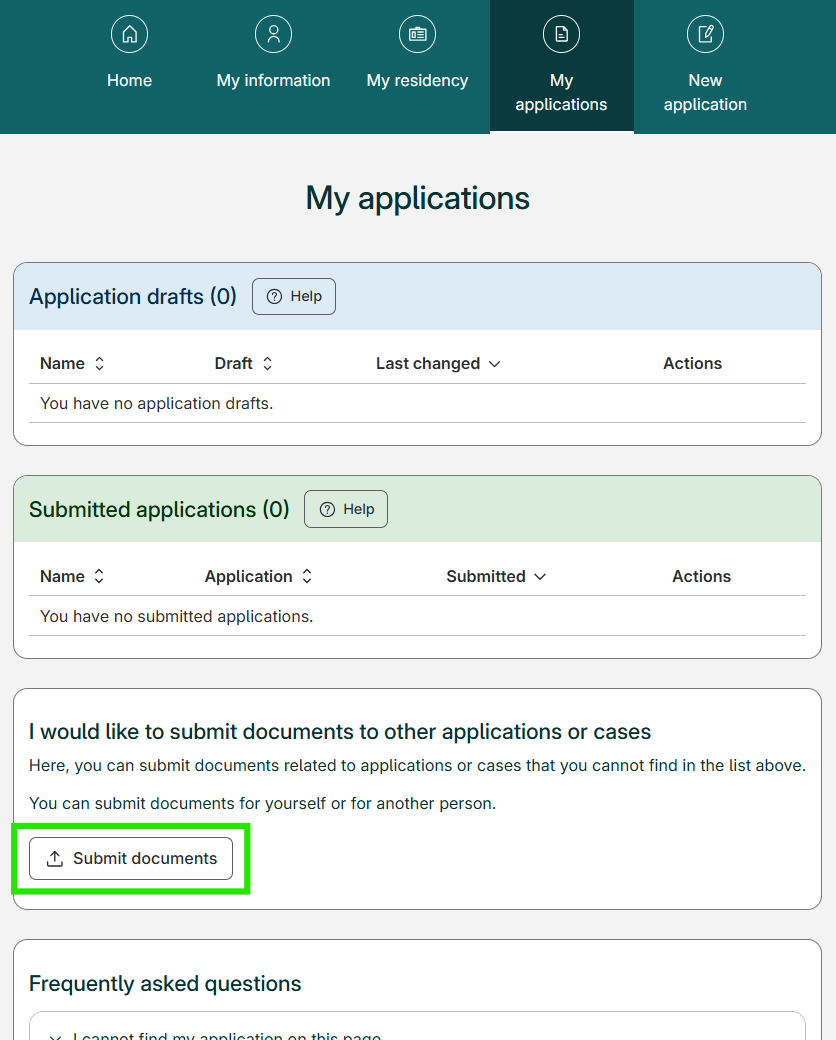
If you want to submit documents to an application or case not displayed in your My applications list, you can use the "Submit documents" button. This will take you to the page where you can submit documents without connecting them to a specific application.
You will find the "Submit documents" button on My applications, under your applications and the heading "I would like to submit documents to other applications or cases", and above "Frequently asked questions".